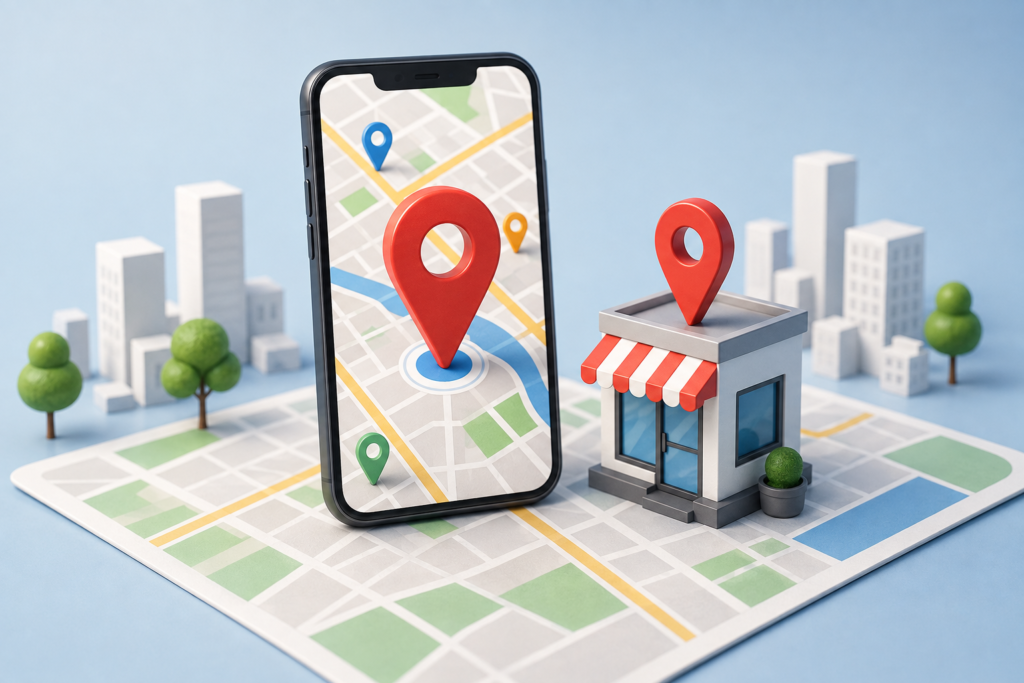
Ranking higher on Google Maps can significantly increase your business’s visibility, attract more local customers, and generate qualified leads. As local search continues to grow in 2026, optimizing your Google Business Profile and following proven local SEO strategies is essential for staying ahead of competitors. In this guide, you’ll discover 12 practical ways to improve Google Maps ranking, understand the factors that influence local results, and learn how to build a stronger online presence that drives consistent traffic, calls, and conversions.
Top Benefits of Improving Your Google Maps Ranking
Improving your Google Maps ranking helps your business reach more local customers, build trust, and generate qualified leads from high-intent local searches.
1. Get Found by More Nearby Customers
A higher Google Maps ranking helps your business appear when potential customers search for products or services in their area.
Since most local searches have strong purchase intent, appearing in the Google Maps Local Pack increases your chances of receiving more calls, direction requests, website visits, and walk-in customers. Whether you run a local store, service business, or multi-location company, improving your Google Maps SEO makes it easier for nearby customers to discover your business before they find your competitors.
2. Strengthen Your Business Reputation
Your Google Business Profile is often the first impression customers have of your business. A well-optimized profile with accurate business information, positive customer reviews, recent photos, and timely updates builds trust and credibility. Businesses with higher ratings and active profiles are more likely to attract clicks and inquiries. Consistently managing your profile also signals to Google that your business is reliable, helping improve your Google Maps search ranking over time.
3. Increase Conversions from Local Searches
Ranking higher on Google Maps doesn’t just increase visibility—it brings customers who are ready to take action. People searching for local businesses often need immediate solutions, making them more likely to call, request directions, book an appointment, or visit your website.
By optimizing your Google Business Profile and improving your local search rankings, you can convert more local searches into valuable leads and sales.
Understanding Google Maps Ranking Factors
Google uses several signals to determine which businesses appear in local search results and on Google Maps. Understanding these ranking factors helps you create an effective Google Maps optimization strategy.
1. Relevance
Relevance measures how well your Google Business Profile matches a user’s search query. Completing every section of your profile, selecting accurate business categories, and naturally using relevant keywords help Google understand your services and improve your chances of ranking for local searches.
2. Distance
Distance refers to how close your business is to the searcher’s location or the location included in the search. While you cannot control your physical location, optimizing your business information and maintaining accurate address details helps Google confidently display your business to nearby customers.
3. Prominence
Prominence reflects how well-known and trustworthy your business is online. Google considers factors such as customer reviews, overall ratings, local backlinks, website authority, online citations, and profile activity. The stronger your online presence and reputation, the greater your chances of achieving a higher Google Maps ranking and standing out in local search results.
12 Proven Strategies to Improve Google Maps Ranking
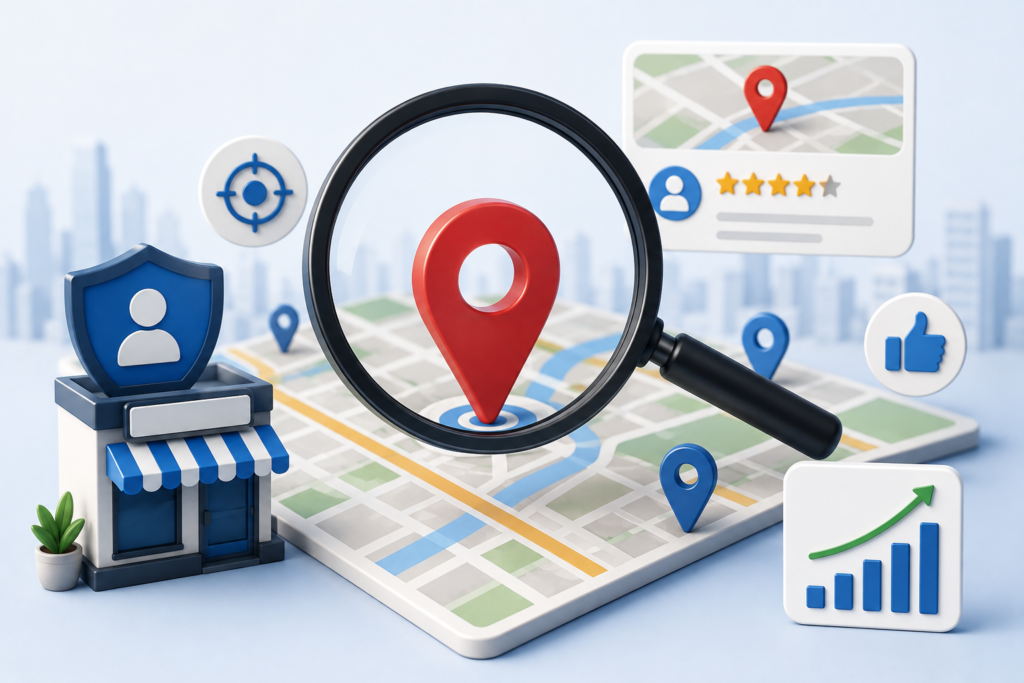
Improving your Google Maps ranking requires more than simply creating a Google Business Profile. Google evaluates the quality, accuracy, relevance, and activity of your profile before deciding where your business appears in local search results. The following strategies will help strengthen your local SEO, improve your online visibility, and attract more customers from Google Search and Google Maps.
1. Complete Every Section of Your Google Business Profile
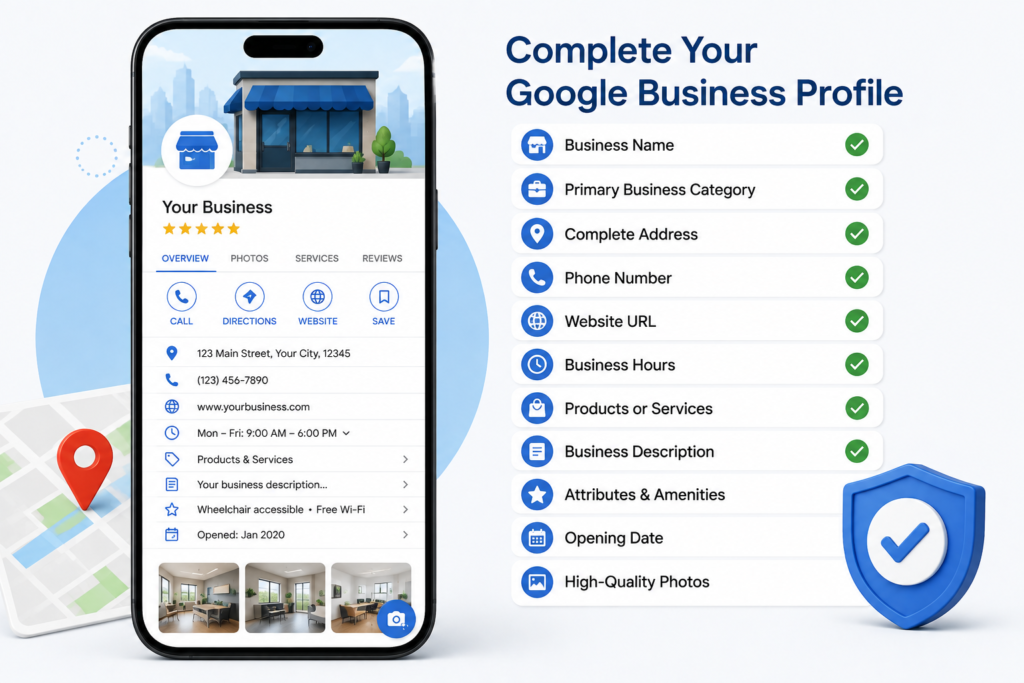
A complete Google Business Profile gives Google more information about your business, making it easier to match your profile with relevant local searches. Businesses with fully completed profiles also appear more trustworthy to potential customers.
Make sure you include:
- Business name
- Primary business category
- Complete business address
- Phone number
- Website URL
- Business hours
- Products or services
- Business description
- Attributes and amenities
- Opening date
- High-quality photos
Avoid leaving important fields blank, as incomplete profiles may rank lower than businesses that provide detailed and accurate information. Regularly review your profile to ensure every section remains current.
2. Choose the Right Primary and Secondary Categories
Business categories play a major role in determining which searches your profile appears for. Your primary category should describe your main service, while secondary categories should represent additional services without being misleading.
For example, if you operate a digital marketing agency, your primary category might be “Digital Marketing Agency,” while secondary categories could include:
- Marketing Agency
- Advertising Agency
- Website Designer
- Internet Marketing Service
- SEO Consultant
Selecting relevant categories improves your chances of appearing in local search results for different customer queries. Review your categories periodically as Google introduces new options or as your services expand.
3. Get More High-Quality Google Reviews
Customer reviews remain one of the strongest local ranking signals. Businesses with genuine, recent, and positive reviews are more likely to earn customer trust and improve their visibility on Google Maps.
To generate more quality reviews:
- Ask satisfied customers shortly after completing a service.
- Share your review link through email or SMS.
- Display QR codes in your store or office.
- Train your team to request reviews naturally.
- Never purchase fake reviews or offer incentives that violate Google’s policies.
Equally important is responding to every review, whether positive or negative. Thoughtful responses show that you value customer feedback and actively engage with your audience. This helps build credibility while keeping your profile active.
4. Optimize Your Business Description with Relevant Keywords
Your business description helps both customers and Google understand what your company offers. Instead of filling it with promotional language or repeating the same keyword multiple times, write naturally and focus on your services, expertise, and the value you provide.
A strong business description should include:
- Your primary services
- Your target location or service area
- Your experience or specialization
- What makes your business unique
Use relevant terms naturally throughout the description, such as local SEO services, Google Business Profile optimization, digital marketing, or location-specific services where appropriate. Keyword stuffing can negatively affect readability and does not improve rankings.
5. Upload High-Quality Photos and Videos Regularly
Visual content makes your profile more engaging and encourages potential customers to interact with your business. Businesses that frequently upload fresh photos often receive more profile views and customer engagement.
Consider uploading:
- Exterior and interior photos
- Team members at work
- Products and services
- Before-and-after project images
- Customer success stories
- Short videos showcasing your business
Ensure all images are clear, well-lit, and accurately represent your business. Regular uploads signal that your profile is active, which supports your overall Google Maps optimization efforts while giving customers confidence in your business.
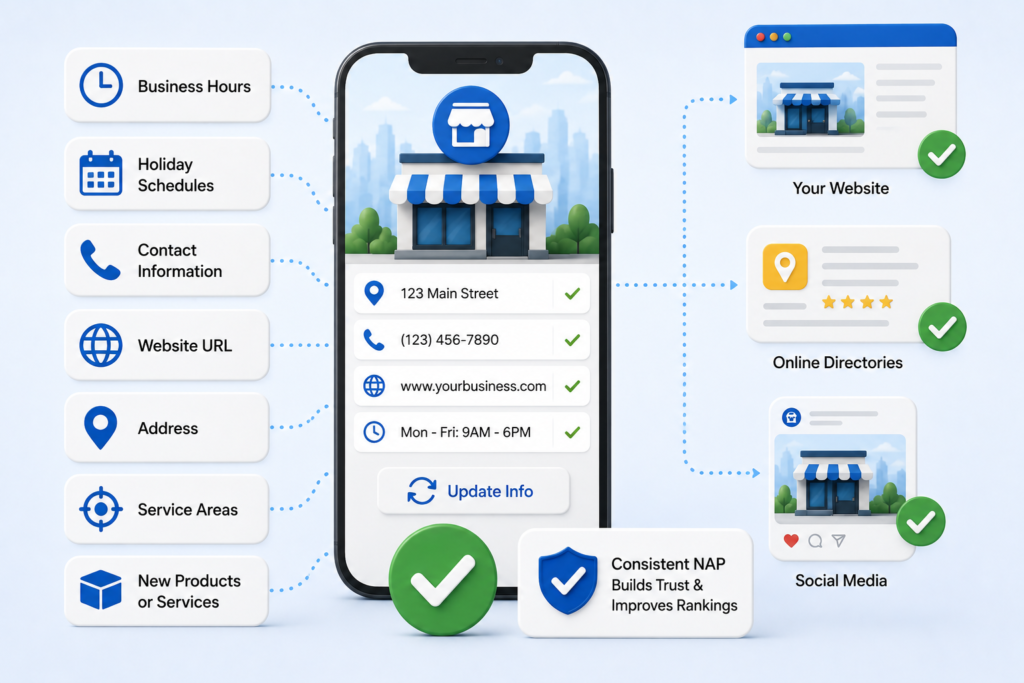
6. Keep Your Business Information Accurate and Updated
Consistency is essential for both customers and search engines. Incorrect or outdated information can confuse users, reduce trust, and negatively impact your local search performance.
Review and update your profile whenever changes occur, including:
- Business hours
- Holiday schedules
- Contact information
- Website URL
- Address
- Service areas
- New products or services
Also, ensure your business information matches across your website, online directories, and social media profiles.Consistent Name, Address, and Phone Number (NAP) information strengthens your local SEO and helps Google verify the legitimacy of your business. Regular maintenance ensures customers always receive accura
7. Publish Google Business Profile Posts Consistently
Regularly publishing posts on your Google Business Profile keeps your business active and gives customers fresh information about your products, services, offers, and updates. While Google Business Profile posts are not a direct ranking factor, they increase profile activity and customer engagement, which can positively influence your overall Google Maps presence.
You can publish different types of content, including:
- Special offers and discounts
- New product or service launches
- Company announcements
- Seasonal promotions
- Events and webinars
- Helpful tips related to your industry
Use clear headlines, high-quality images, and concise descriptions with a strong call to action. Updating your profile consistently shows both Google and potential customers that your business is active and reliable.
8. Build Consistent Local Citations Across the Web
Local citations are online mentions of your business’s Name, Address, and Phone Number (NAP) across business directories, review platforms, and local websites. Google uses these citations to verify the legitimacy and accuracy of your business information.
Your NAP details should remain exactly the same everywhere, including:
- Google Business Profile
- Business website
- Local business directories
- Industry-specific directories
- Social media profiles
- Review websites
Even small inconsistencies, such as different abbreviations or phone numbers, can reduce Google’s confidence in your business information. Regularly audit your citations and update outdated listings to strengthen your local SEO strategy.
9. Optimize Your Website for Local SEO
Your website plays a significant role in improving your Google Maps ranking. Google often evaluates your website alongside your Google Business Profile to determine how relevant and trustworthy your business is for local searches.
Some effective local SEO practices include:
- Create dedicated service pages for each service you offer.
- Include location-specific keywords naturally throughout your content.
- Optimize title tags and meta descriptions.
- Improve website loading speed.
- Ensure your website is mobile-friendly.
- Add clear contact information on every page.
- Embed your Google Map on the contact page.
- Implement Local Business Schema markup.
Publishing high-quality blog content that answers customer questions also helps your website rank for local search terms, increasing the authority of your overall online presence.
10. Earn High-Quality Local Backlinks
Backlinks remain one of the strongest signals for search engine rankings. When reputable local websites link to your business, Google views your website as more authoritative and trustworthy.
Some ways to earn quality local backlinks include:
- Partner with local businesses.
- Sponsor community events.
- Get featured in local news websites.
- Submit your business to trusted local directories.
- Publish valuable industry content that others naturally reference.
- Collaborate with local organizations and chambers of commerce.
Focus on earning relevant, high-quality backlinks instead of large quantities of low-quality links. A few authoritative local links often provide more value than dozens of spammy backlinks.
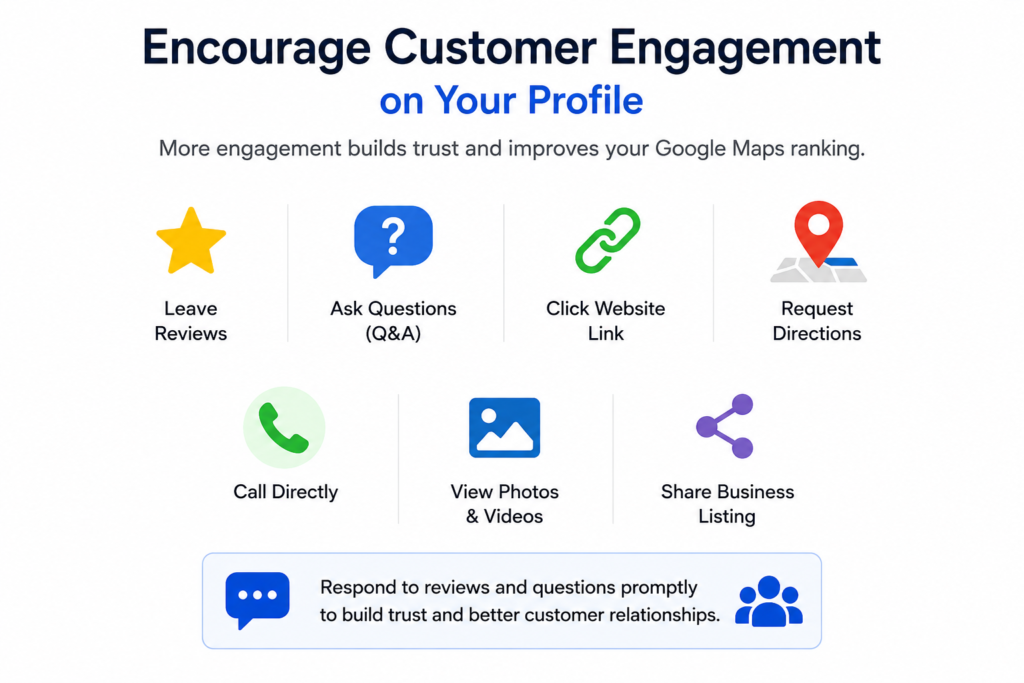
11. Encourage Customer Engagement on Your Profile
Google values active business profiles that regularly interact with customers. Higher engagement signals that your business is relevant, responsive, and trustworthy.
Encourage customers to interact with your profile by:
- Leaving genuine Google reviews.
- Asking questions through the Q&A section.
- Clicking your website link.
- Requesting directions.
- Calling directly from your profile.
- Viewing photos and videos.
- Sharing your business listing.
Respond promptly to reviews and customer questions with helpful and professional answers. Regular interaction improves customer experience while demonstrating that your business actively manages its online presence.
12. Monitor Performance and Keep Optimizing
Improving your Google Maps ranking is an ongoing process rather than a one-time task. Customer behavior, competitor activity, and Google’s local search algorithm continue to evolve, making regular optimization essential.
Monitor your Google Business Profile performance to understand how customers find and interact with your business. Pay attention to key metrics such as:
- Search impressions
- Profile views
- Website clicks
- Phone calls
- Direction requests
- Customer reviews
- Photo views
- Popular search queries
Review these insights regularly to identify areas for improvement. Update your profile with fresh photos, publish new posts, respond to customer reviews, and refine your website’s local SEO strategy based on performance data.
Common Mistakes That Hurt Google Maps Rankings
- Leaving your Google Business Profile incomplete.
- Using inaccurate or inconsistent business information (NAP).
- Choosing irrelevant business categories.
- Ignoring customer reviews or failing to respond.
- Rarely updating your profile with posts or photos.
- Using keyword stuffing in your business description.
- Building low-quality or spammy backlinks.
- Neglecting local SEO on your website.
- Allowing outdated business hours or contact details to remain live.
Conclusion
Improving your Google Maps ranking requires a combination of consistent profile optimization, strong local SEO, positive customer engagement, and regular updates. By implementing these proven strategies, you can increase your local visibility, attract more qualified customers, and stay ahead of competitors in local search results. Focus on providing accurate business information, earning genuine reviews, and monitoring your performance over time. With ongoing optimization, your business can achieve sustainable growth and long-term success on Google Maps.
Frequently Asked Questions (FAQs)
1. How can I improve my Google Maps ranking quickly?
Complete your profile, earn reviews, and keep it regularly updated.
2. Do Google reviews affect Google Maps rankings?
Yes, genuine reviews improve trust, visibility, and local rankings.
3. How often should I update my Google Business Profile?
Update it whenever changes occur and publish fresh content weekly.
4. Does posting on Google Business Profile improve rankings?
Regular posts increase engagement and support better local visibility.
5. Why is my business not showing on Google Maps?
Verify your profile and ensure accurate, complete business information.