
Ensuring a Sustainable Online Presence
Recover Your Business with Our Google Profile Suspension Services
Google My Business (GMB) Suspension
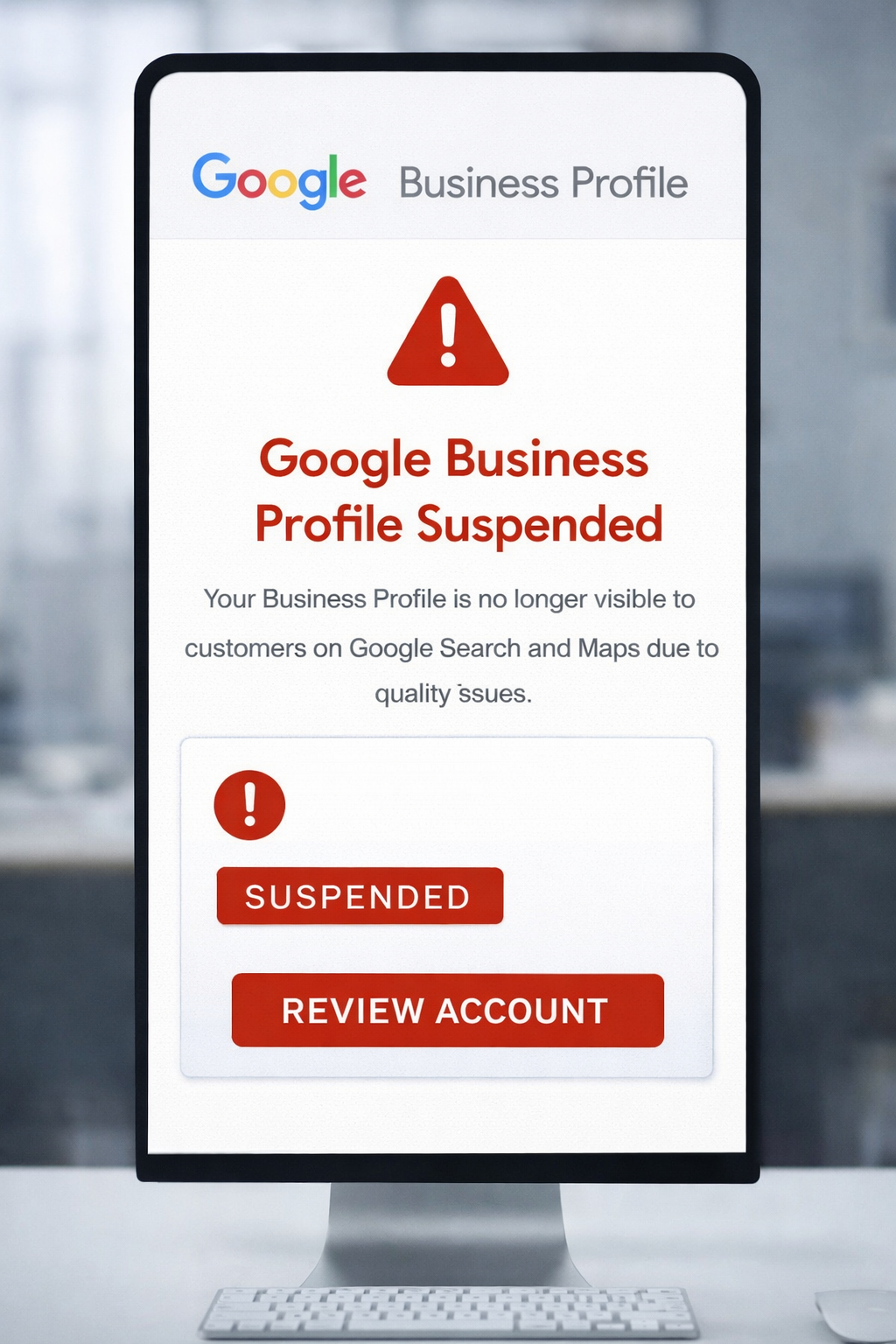
GMB suspension refers to Google’s temporary or permanent disabling of a business’s GMB profile because it has, in its opinion, violated the guidelines or has been engaging in suspicious activities within the listing.
Two types of suspensions exist in GMB:
1. Soft Suspension:
The listing is still visible on the internet to the general public, but the business owner loses his or her management access. The profile continues to be displayed in Google Search and Maps but no further changes or updates can be done.
2. Hard Suspension:
Google Search and Maps eliminate a business listing. The owner loses the management rights, and the only way to reactivate it is through an appeal process.
Why Does GMB Suspension Occur?
Common Reasons Your GMB Is Suspended.
- Incorrect Business Information: Incorrect business name, address, or phone number can lead to suspension.
- Policy Violation: Failure to abide by Google’s GMB policies may lead to the removal of your profile completely.
- Keyword Overload: Using more keywords in your business name that are not a part of it.
- Duplicate Listings: Creating multiple accounts for the same location will raise red flags.
- Suspicious Changes: Contact information or changes to an address should not change too frequently for Google not to notice.
- Unverified Locations: Registering a virtual office or P.O. box instead of having a real location.
- Inappropriate Posts: Posting of offending and misleading content, pictures, or even reviews can very quickly get the listing suspended.
Restore Your GMB Listing: Steps to Reinstatement
Rebuilding your online presence with ease
- Identify the Problem: Go through your profile with a fine-tooth comb and pick out any infractions of Google’s policies.
- Correct the Issue: Update your listing with truthful, respectable information.
- Submit a reinstatement request: Once corrected, submit a reinstatement request through Google’s GMB support.
- Reapply reinstatement request. After you’ve corrected the problem, proceed and submit a reinstatement request through GMB support at Google.
- Provide Proof: Google could request evidence of the authenticity of documents like business licenses or utility bills of yours.

Guideline Review
We examine your GMB profile to ensure it is entirely compliant with Google’s guidelines.
Profile Reinstatement
When suspended, we will guide you through the procedure to restore your listing.
Duplicate Cleanup
We eliminate the duplicates that prevent you from facing issues.
Correct Information
We check your business name, address, and phone number are correct and consistent.
Content Compliance
We manage your GMB content to ensure it’s in line with Google’s guidelines.
Keyword Management
We optimize your profile without overcrowding it with useless keywords.
Activity Monitorin
We monitor sudden changes in your listing and investigate suspicious activities.
Location Verification
Your business must have a valid, physical location.
Ongoing Support
We will continuously help you in keeping your GMB profile compliant and active.
Stay Ahead – Protect Your Business Profile
Keep your listing alive and your customers engaged with no breakage!
Maintaining a good GMB profile will be the pillar to the successful presence of your business over the web. Don’t face suspensions with proper, consistent, and compliant information to Google’s policies.

Why Choose Our GMB Optimization Services?
Boost your local presence with GMB optimization from foundlokal.com
Higher local visibility
It appears more prominently in the local search results and on Google Maps.
Customer Engagement
Continuously interact and update your GMB profile.
Increased Credibility
A full and current GMB profile instills confidence on the part of the potential customer
Competitive Edge
Consider having an optimally optimized GMB profile and utilizing it actively to stand out from local competitors.